Key Takeaways
Most enterprises don't struggle to find AI privacy vendors. They struggle to compare them, because every product page promises the same thing. The way out is to decide about your data and workflows first, and only then about the vendor.
- Write down the AI workflows you need to protect before you look at a single product, because that list decides almost everything else.
- Pick a deployment model early. Self-hosted, managed API, and in-tool plugins solve different problems and carry different risks.
- Ask whether a solution only removes sensitive data or can also restore it in the answer, since that decides how useful the output stays.
- Put security, privacy, legal, and the business owner of each workflow in the same room from the first meeting.
- Insist on a proof of concept with your own documents, your own languages, and your own people doing real work.
- Price the exit as carefully as the entry. Know what happens to logs, token maps, and integrations if you leave.
None of this has to turn into a twelve-month procurement saga. A focused team can usually get from a vague worry to a confident decision once the questions are in the right order. The sections below walk through that order, and how teams using Questa AI apply it when sensitive data has to stay protected before it reaches a model.
What an AI Privacy Solution Should Actually Do
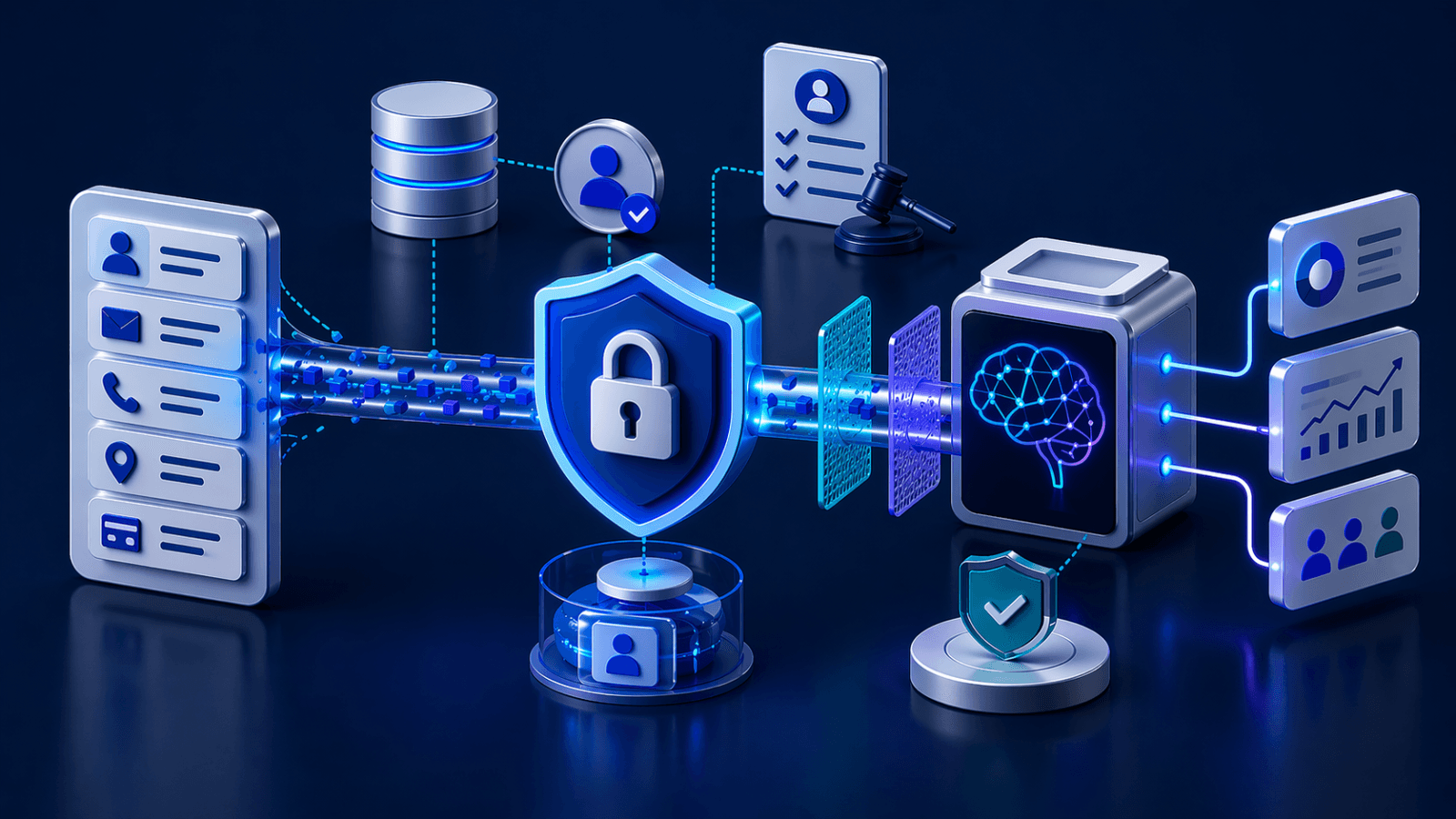
The term covers a lot of ground, so it helps to pin it down. An AI privacy solution sits between your data and the AI models your people use. It finds personal, financial, health, and confidential business information in prompts, files, and retrieved content, then removes, replaces, or blocks it before the model processes anything. The better ones also keep a record of what they did, so you can prove it later.
That makes it different from a general security tool. A data loss prevention product watches for sensitive data leaving the company, and the comparison between AI DLP and an AI privacy firewall explains why the two behave differently with AI traffic. An AI gateway routes and governs model calls. A privacy solution is narrower and deeper. Its job is to make sure the model never sees what it doesn't need to see. Plenty of products touch privacy as a side feature. You're looking for one where privacy is the main job.
Start With the Workflows, Not the Vendor List
The fastest way to waste a quarter is to book demos before you know what you're protecting. Every demo looks good against a sample contract. Very few look good against your actual claims files, scanned onboarding packs, or call transcripts.
So start with an honest inventory. Which teams use AI today, with which tools, and on what kind of data? If you've already done some AI data discovery, you're ahead, because you'll know where sensitive data is really showing up. If you haven't, a few weeks of looking at what goes into your AI tools will tell you more than any architecture diagram. AI data flow mapping then shows the routes that data takes, including the copies that end up in logs and indexes.
Be realistic about the tools people actually use, not just the ones IT approved. As one Privacy Café piece puts it, your AI policy isn't stopping employees, and a solution that only covers sanctioned tools leaves the riskiest traffic untouched. Pay attention to the type of content too. A workflow built on structured and unstructured data needs different detection than one built on database fields alone.
You should end up with a short list of workflows, each with a named owner, the data involved, and the AI tools in use. That list is your scope, and you'll hold every vendor to it.
Get the Right People Into the Decision
AI privacy decisions stall when one team makes them alone. Security picks something hard to use and the business routes around it, or the business picks a tool it loves and legal blocks it at contract stage.
A small working group avoids that. Security cares about where data travels and who can reach it. Privacy and legal care about lawful processing, retention, and what you'll need to show a regulator, especially if GDPR applies to your enterprise AI. The business owners of each workflow care about whether the output is still good enough to do their jobs. Procurement cares about cost and contract terms.
Agree early on who decides. Someone has to own the final call, and everyone should know who that is before the first demo.
Choose a Deployment Model Before You Compare Features
This decision narrows the field the most, and buyers often leave it too late. Where does detection and anonymization actually run? The answer changes your risk, your cost, and how fast you can go live.
Self-hosted inside your network
Here the privacy engine runs on your own infrastructure. Raw data never leaves your environment, even for inspection, which removes a whole category of third-party and cross-border questions. For regulated industries, this is often the only model that survives a legal review. It also takes the most setup, and it depends on your infrastructure team having capacity. If you're weighing this route, our guide to private AI deployment covers the infrastructure side in more depth.
Managed API in the request path
With this approach your applications call a vendor's endpoint before they call a model. It suits product teams building AI features into their own software, because there's nothing to host or patch. The trade-off is that sensitive data reaches the vendor's service on its way to being protected, so you need to be comfortable with where that service runs and what it keeps. Questions about AI data residency belong here.
Plugins inside the tools people already use
Some solutions sit inside chat assistants, messaging apps, or email, so staff get protection without changing how they work. It's often the quickest way to cover everyday use of public AI tools. Check carefully what the plugin does locally and what it sends elsewhere, because "runs in the browser" can mean very different things. Many enterprises end up combining this with one of the other two models.